


EsooLi EU/UK Standard Touch APP Wireless Remote WIFI Switch Smart Home Automation Glass Panel Wall Google | Обустройство дома
Сохраните в закладки:
История цены
*История изменения цены! Указанная стоимость возможно, уже изменилось. Проверить текущую цену - >
| Месяц | Минимальная цена | Макс. стоимость | Цена |
|---|---|---|---|
| Mar-20-2026 | 17.62 руб. | 18.94 руб. | 17.5 руб. |
| Feb-20-2026 | 17.64 руб. | 18.18 руб. | 17.5 руб. |
| Jan-20-2026 | 14.13 руб. | 15.72 руб. | 14.5 руб. |
| Dec-20-2025 | 16.57 руб. | 17.56 руб. | 16.5 руб. |
| Nov-20-2025 | 14.13 руб. | 15.94 руб. | 14.5 руб. |
| Oct-20-2025 | 16.38 руб. | 17.74 руб. | 16.5 руб. |
| Sep-20-2025 | 16.14 руб. | 17.42 руб. | 16.5 руб. |
| Aug-20-2025 | 16.8 руб. | 17.98 руб. | 16.5 руб. |
| Jul-20-2025 | 16.62 руб. | 17.62 руб. | 16.5 руб. |
Новые товары
Бесплатная доставка 100 штук V-154-1C25 Мгновенный предел микровыключатель SPDT Snap Action.
3296.4
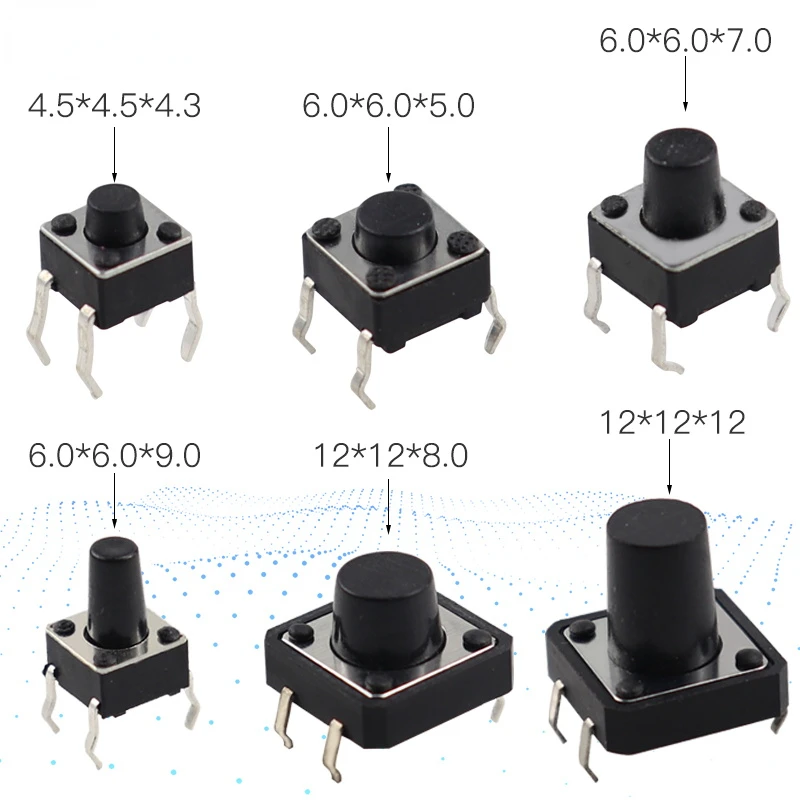
Мини-переключатель тактильный кнопочный переключатель 6x6x5 4,5 * 4,5 * 4,3 6 * 6 * 7 6 * 6 * 9 12 * 12 * 9 12 * 12 * 12 вкл.
73.8
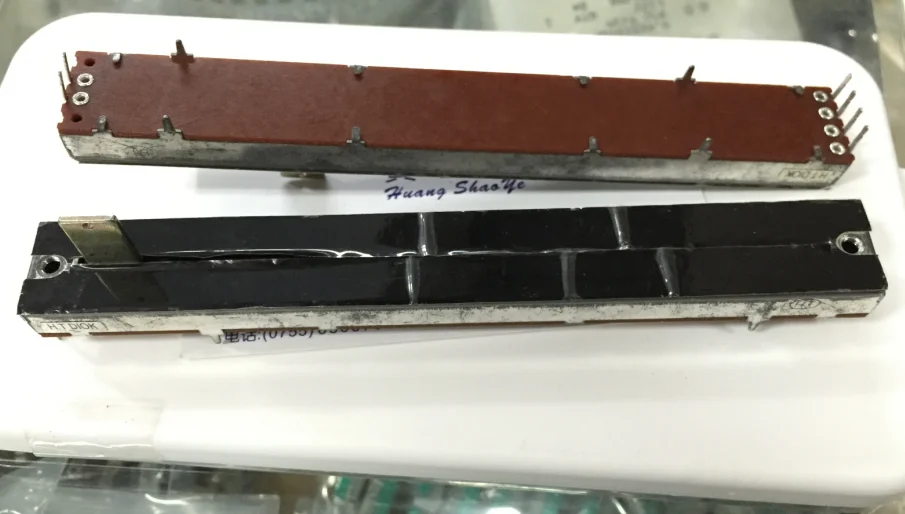
Потенциометр двойного скольжения Тайвань 5шт. 12,8 см D10K осевой длиной 12 мм, с креплением для микшера и обрезчика.
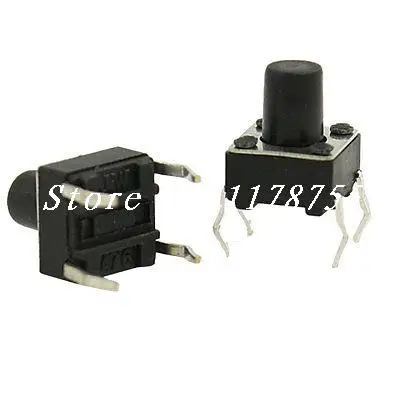
Моментальный тактильный кнопочный переключатель с 4 контактами, тип DIP, с отверстием под монтаж, размером 6х6х7,5 мм, включенный.

Энкодер ALPS типа EC11 с выключателем, 30 положений, 15 импульсов, длина вала 22 мм, 2 штуки в наборе.
365.72

2pcs 15A 250VAC 20A 125VAC SPST Red Pilot Lamp 2 Position Rocker Switch | Switches
497.74

20Pcs Momentary PCB Side Mounting Fixed Pushbutton Tact Switch DIP 2PIN 6x6x7mm | Switches
184.5

Ремень Hzy 6A250V переключатель кошачий глаз двойной черный серый белый
92.66
Характеристики
EsooLi EU/UK Standard Touch APP Wireless Remote WIFI Switch Smart Home Automation Glass Panel Wall Google | Обустройство дома
Описание товара
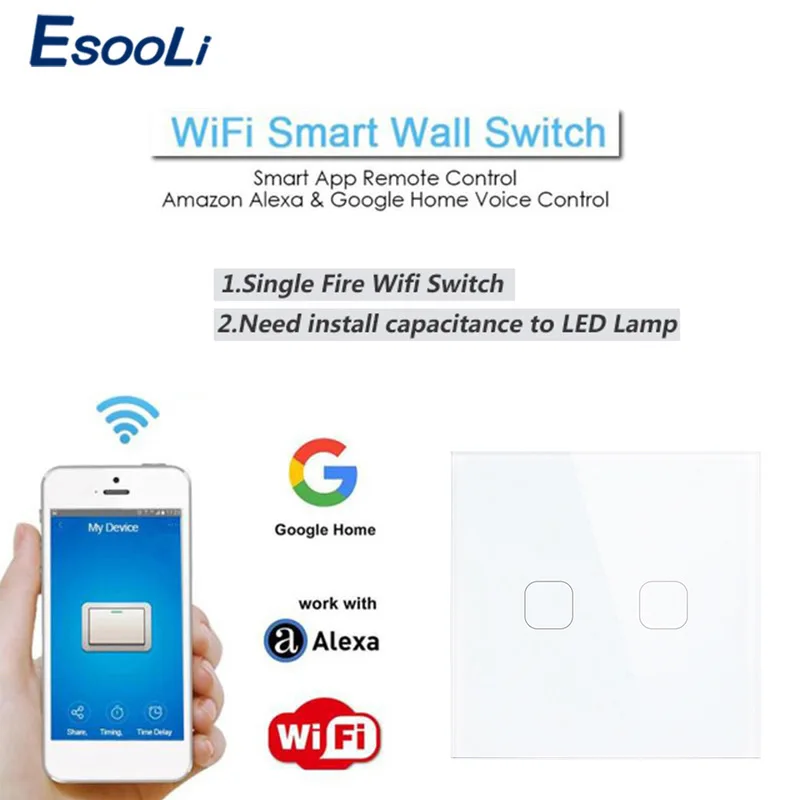
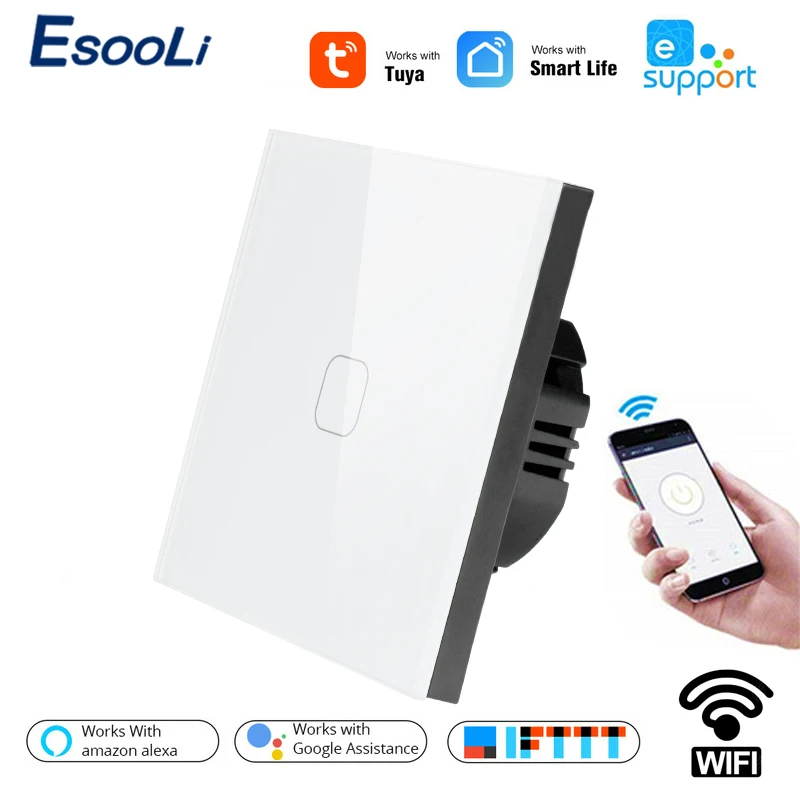
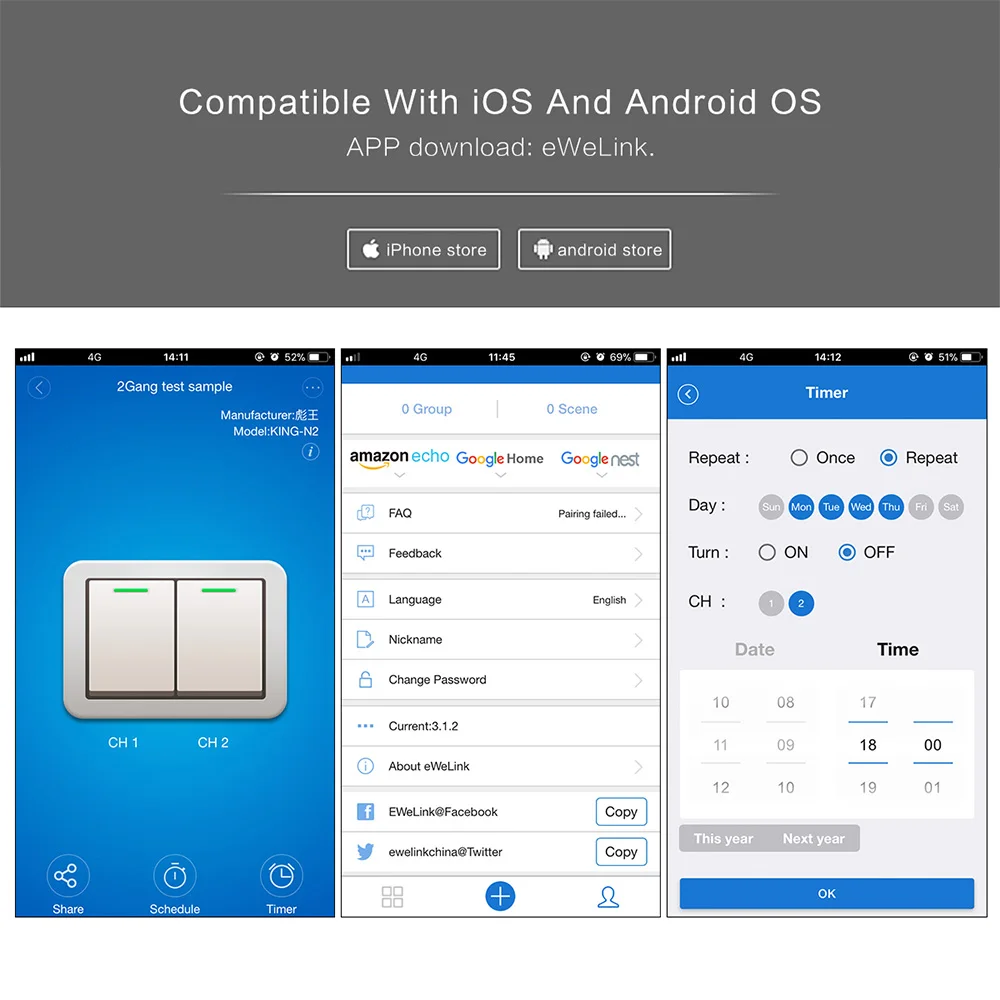
EsooLi EU/UK Standard Touch APP Wireless Remote WIFI Switch Smart Home Automation Wireless Glass Panel Wall Switch Google Home


Add device
1. Power up the wall switch. 2. Press the button for a few seconds until it fast blinks to enter into WIFI pairing status. 3. The blinking way is: blink 3 times and on repeatedly. For Android users, please select the first icon and click NEXT. For IOS users, please select the corresponding icon, click NEXT.EWeLink will auto-search and connect to the device. 4. Input your home SSID & password: If no password, keep it blank. Now eWeLink only support2 4G WIFI communication protocol, 5G-WiFi is not supported. 5. Name the device to complete. 6. Maybe the device is "Offline" on eWeLink, for the device needs 1-2 minutes to connect to your router and server. When the green LED on, the device is "Online". if eWeLink shows still Offline", please close eWeLink and re-open.
Notes
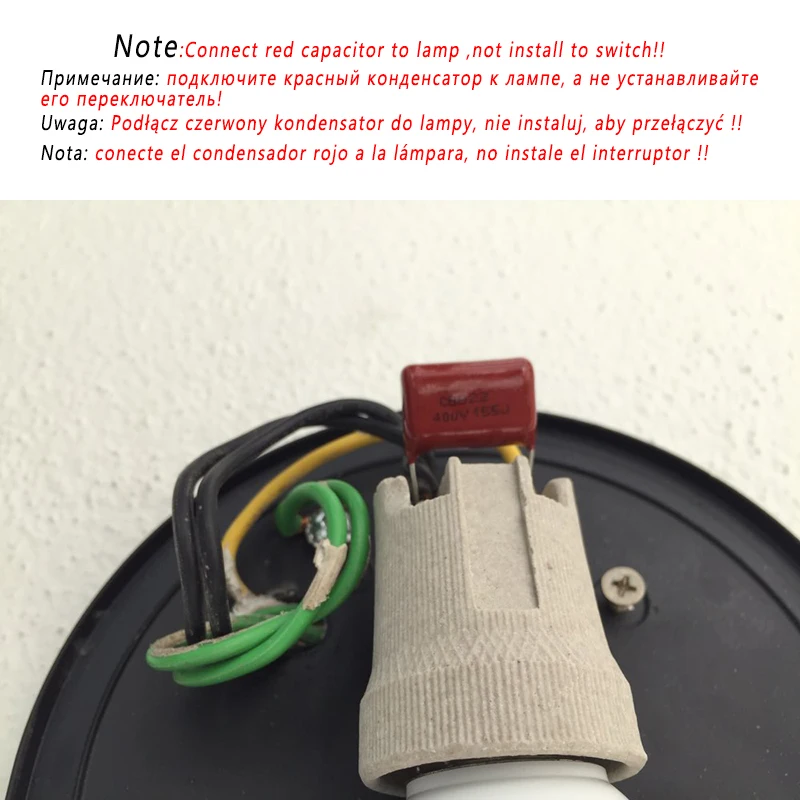
1.Install the switch with electricity off 2.Do not exceed the maximum load 3.Do not test without the glass panel.Please install the glass panel before switch on the power.
Problems and solutions
Read the detailed FAQ on ltead Smart Home Forum. If below answers can't solve your problem, please submit a feedback on eWeLink. 1. My device has added successfully but stays "Offline?The newly added device need 1-2 min to connect to your router and the Internet. If it stays offline for a long time,please judge the problem by the green led status: Green led quickly blinks one time and repeats, which meansdevice failed to connect to the router. The reason may be you have entered wrong WiFi password or your device is too faraway from the router, which causes a weak WiFi signal. The device can not be added to the 5G-wifi-router, only the 2.4G-wifi is OK. At last, make sure that your router is MAC-open. Green led slowly blinks one time and repeats, which meansthe device has connected to router and server but failed to beadded to the device list. Then power on the device again, if itstill not working. just add the device again. Green led quickly blinks twice and repeats, this means the device has connected to the router but failed to connect to theserver. Then please confirm your WiFi router works normally. 2. Why the APP can't find the device in pairing status?Answers: That's because of your phone's cache. Please close the WLAN of your phone then open it after a minute. Atthe same time, please power off the device if you can, thenpower up to try again, 3. My WiFi is expired, can I connect the devices to LAN?Answers: It doesn't support to be controlled by LAN You'llneed to connect it to a WiFi with Internet.
APP features
1. WiFi remote control and synchronous device statusTurn on/off by tapping device icon on App. Device statusalways simultaneously dispiay on APP. 2. Share Control The owner can share the devices to other eWeLink accounts.While sharing devices, both should stay online on eWeLink(keep the screen lighten). Because if the account you want toshare is not online, he/she will not receive the invitationmessage. How to make it possible? Firstly click Share, input the eWeLink account (phone number or email address) you wantto share, tick the timer permissions (edit/delete/change/enable) you want to give. then clickNext. The other account will receive an invitation message.Click Accopt, the device has shared successfully. The otheruser will have access to control the device. 3. Timing schedules Support max 8 enabled single/repeat/countdown timing schedules each device. 4. Scene/Smart Scene Scene allows triggering on/off your devices automatically.Scene Settings is in the upper right corner of Device List. You can set up scenes or smart scenes to trigger on/off the device.Users should select Click to execute" in the condition, adddifferent existing devices, name the scene and save it. 5, Set default device status In Device Setting. you can set default device status to ON orOFF when the device is powered on. 6.Security mechanism One device one owner. Other people can not add the devicesthat have already been added. If you want to add your deviceto another account, don't forget to delete it first. 7. Update It will auto-remind you of new firmware or version. Please update as soon as you can.
Трекер стоимости
Отзывы покупателей
Новые отзывы о товарах

Мия 23 Декабря 2021, 13:47 #
Заказ пришёл очень быстро, чуть больше недели ожидания, и вот оно счастье)) юбка просто пушка. Смотрится очень строго и сексуально.... Читать отзыв полностью...

Лидия 19 Декабря 2021, 00:27 #
Ботинки просто-супер))) Давно уже хотела приобрести подобную обувь, но всё как-то, то денег не было, то времени. Вот только недавно... Читать отзыв полностью...

Нина Сизова 23 Декабря 2021, 13:04 #
Замечательная коса гораздо удобнее чем стандартные бортики на завязках. Выглядит очень эстетично, легкая, приятная на ощупь, стирается без проблем. Плюс... Читать отзыв полностью...

Артем 21 Ноября 2022, 14:42 #
Привет ! Класные купальники и смотреть приятно ! Вот если бы все так рекламировали нижнее бельё и купальники , без... Читать отзыв полностью...

Лиза 19 Декабря 2021, 14:49 #
Игрушек для малышей много не бывает. Понравился на сайте "автомат", который "стреляет" воздушными пузырьками. Заказала для наших близняшек два. Их... Читать отзыв полностью...
Мила 23 Декабря 2021, 12:15 #
Стремлюсь покупать для малыша одежду из натуральных тканей. Повезло отыскать на сайте красивые стильные комбинизончики из натурального хлопка. К привлекательной... Читать отзыв полностью...

Купила розовый и желтый, и чередую их. Очень забавный принт, сразу привлекает внимание. И цвета такие радостные, в реальности свитер... Читать отзыв полностью...